> For the complete documentation index, see [llms.txt](https://docs.withluna.ai/llms.txt). Markdown versions of documentation pages are available by appending `.md` to page URLs; this page is available as [Markdown](https://docs.withluna.ai/roadmaps/views-types.md).
# Views types
## Table view
* See all launch data in structured columns
* Sort by any field including custom fields
* Use dimensions to create separate swim lanes
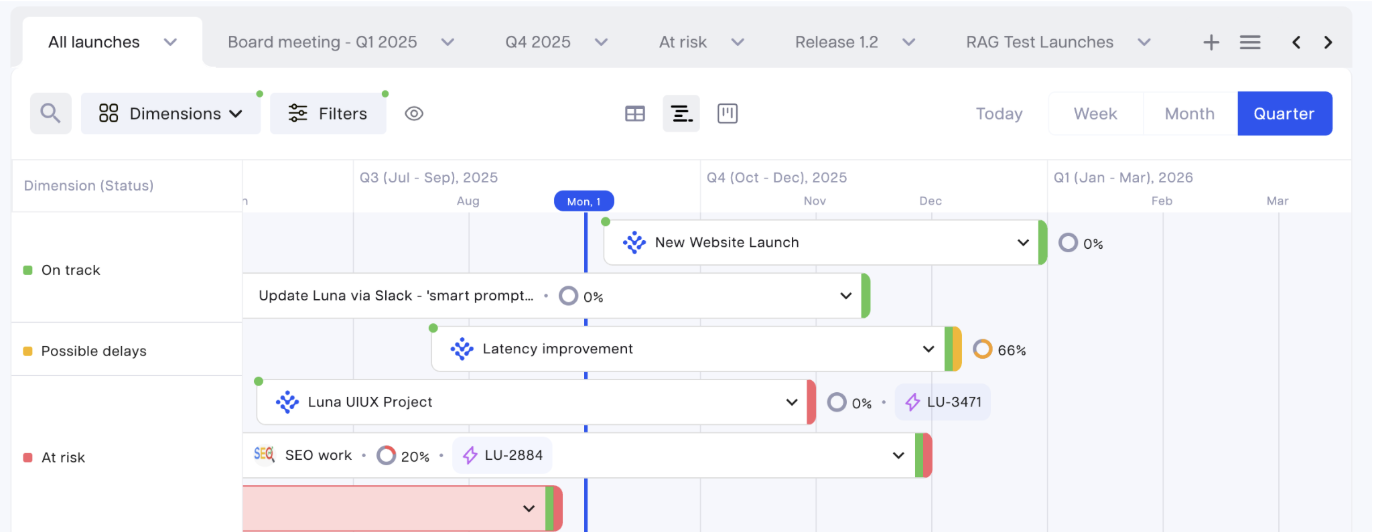
## Timeline view
* Visualize launches across time periods (you can choose week/ month/ quarter)
* **Expand milestones**: click the descending arrow next to launch name to show milestones as sub-items
* Access a launch tooltip by hovering over the launch: the tooltip flags key changes and deltas in your launch
* Use dimensions to create separate swim lanes
## Kanban view
* Using dimensions, organize launches by owner, team, stage, status, priority, launch date, key result or outcome
* **Expand milestones**: appear as cards under the main launch card
* Drag and drop for quick status updates